Clip Envelopes
play just a part of a loop
e.g. you have a drum loop sample where you really like the sound of the backbeat, but you don’t want to have the whole beat playing. That is a great example of how you can use clip envelopes.
1) open up the envelope tab
- select the clip you want to edit
- if not already open, click on the top of the clip view:

2) select the parameter and draw a curve
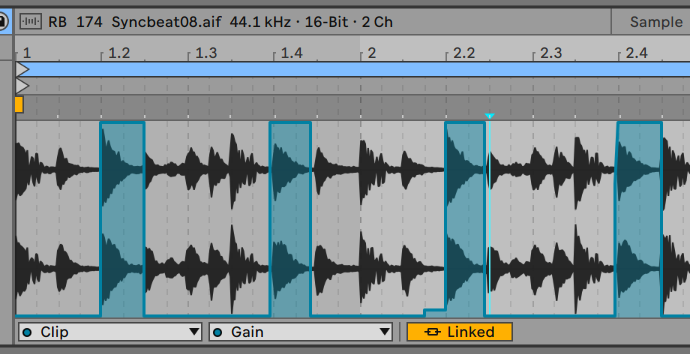
- Select Clip from the first dropdown menu
- Select Gain from the dropdown menu
- Activate the draw mode either by clicking in the upper right or by pressing
B - draw the curve to blank out everything beside the backbeat
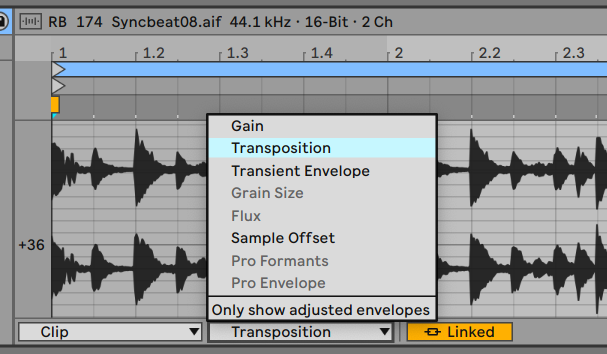
You can draw curves for almost any parameter, now go ahead and play with Transposition.