Clips are like lego brickets you can build your musical house with. Today we’ll have a look at how we can change them.
If you double click a clip the clip detail view should show up at the bottom, if it was not already there. On the left side you can select different sections by clicking at the tabs:
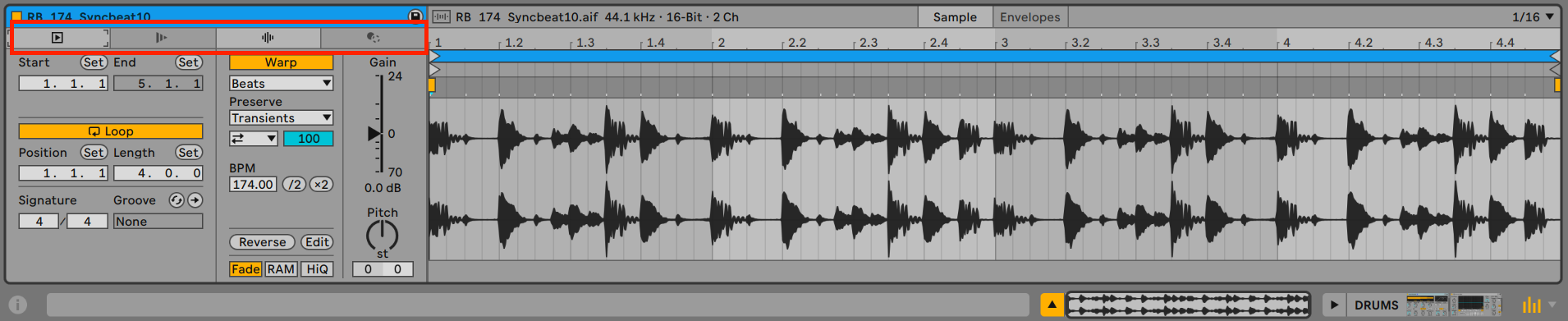
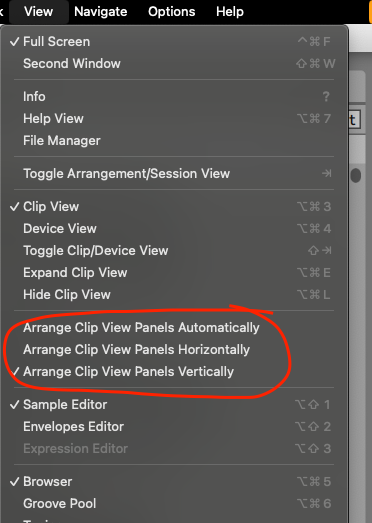
This part could look radically different, depending on the setting how to show the panels in the view menu
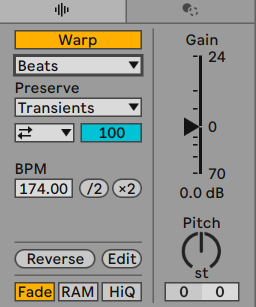
Let’s particulary have a look at the Audio Utilities Section:
- Pitch, Gain, Reverse
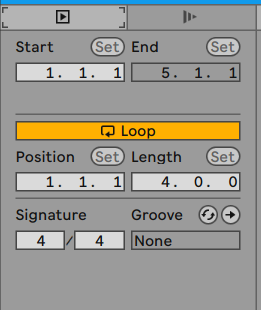
then at the Main Clip Properties:
- Start Marker
- Loop Start & End
proceed to the next page to see how we can edit the loop properties.